
Deployment实录of Pedestrian Flow Monitoring in Office Park Buildings: From Dedicated Hardware Selection to HTTP API Integration, Driving Workspace and Energy Optimization
Office park operating costs often hide in unseen areas: lighting and HVAC are allocated by square footage, while desk utilization relies on visual estimates. This article follows the real-world deployment sequence—equipment inventory and installation, HTTP API integration, and linking desks with energy consumption—to explain how to implement people flow monitoring, validate results, and roll out in phases.
1Introduction: Replace estimates with verifiable data
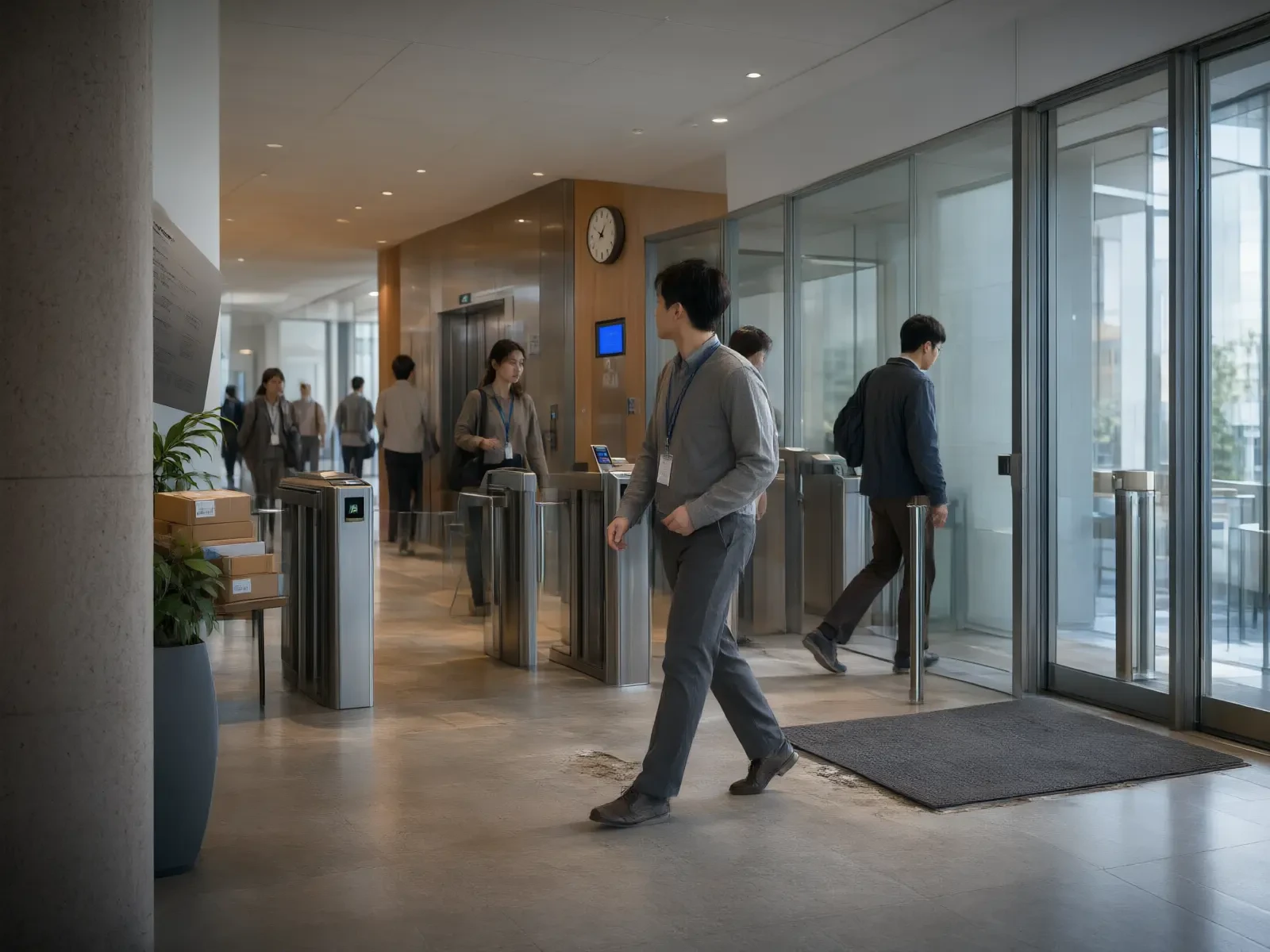
Building operational costs in commercial parks are driven largely by invisible factors. Lighting and HVAC expenses are allocated based on floor area, desk utilization relies on administrative staff estimates, and meeting room occupancy lacks data-driven verification. Human traffic flow monitoring transforms these estimates into auditable metrics. Here's how a real-world park project implemented this: First, inventory and select equipment; second, connect via API to the public cloud platform for crowd analytics; finally, apply insights to optimize desk allocation and energy management.
2Step 1: Inventory first, then decide whether to install additional equipment.
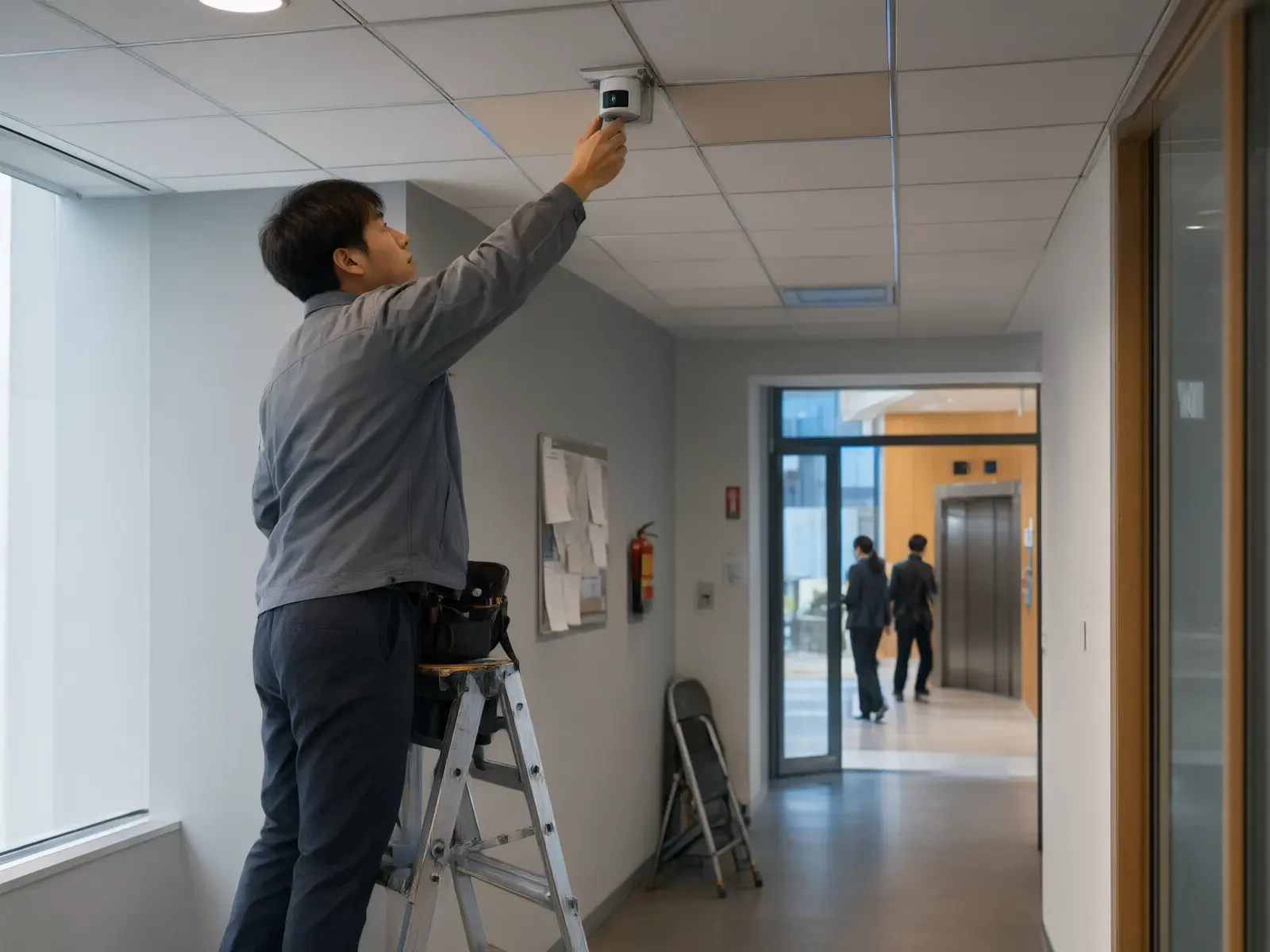
Start with the device inventory, not platform account activation. For each building in the campus, verify existing crowd-counting devices at entrances, floor corridors, and public areas; record their brand, model, and interface type. Dedicated devices from major brands like Hikvision, Dahua, Uniview, or Huawei can be directly integrated if they support crowd counting and expose an API—no need to replace existing hardware. Clarify these boundaries upfront: standard network cameras without crowd-counting capabilities cannot connect, and the platform supports only HTTP API integration. Confirming these two points prevents budget and schedule deviations later. Install new dedicated devices where none exist. When selecting equipment, ensure installation conditions are met: AI vision solutions achieve over 95% accuracy when mounted between 2.5 and 3.5 meters high, with a tilt angle of 0 to 15 degrees, and a head resolution of at least 60 pixels. Infrared beams are suitable only for simple entry/exit counting; they cannot distinguish between lingering and passing through within a zone, leading to significant errors in open-office areas.
3Step 2: Ingest data via HTTP API
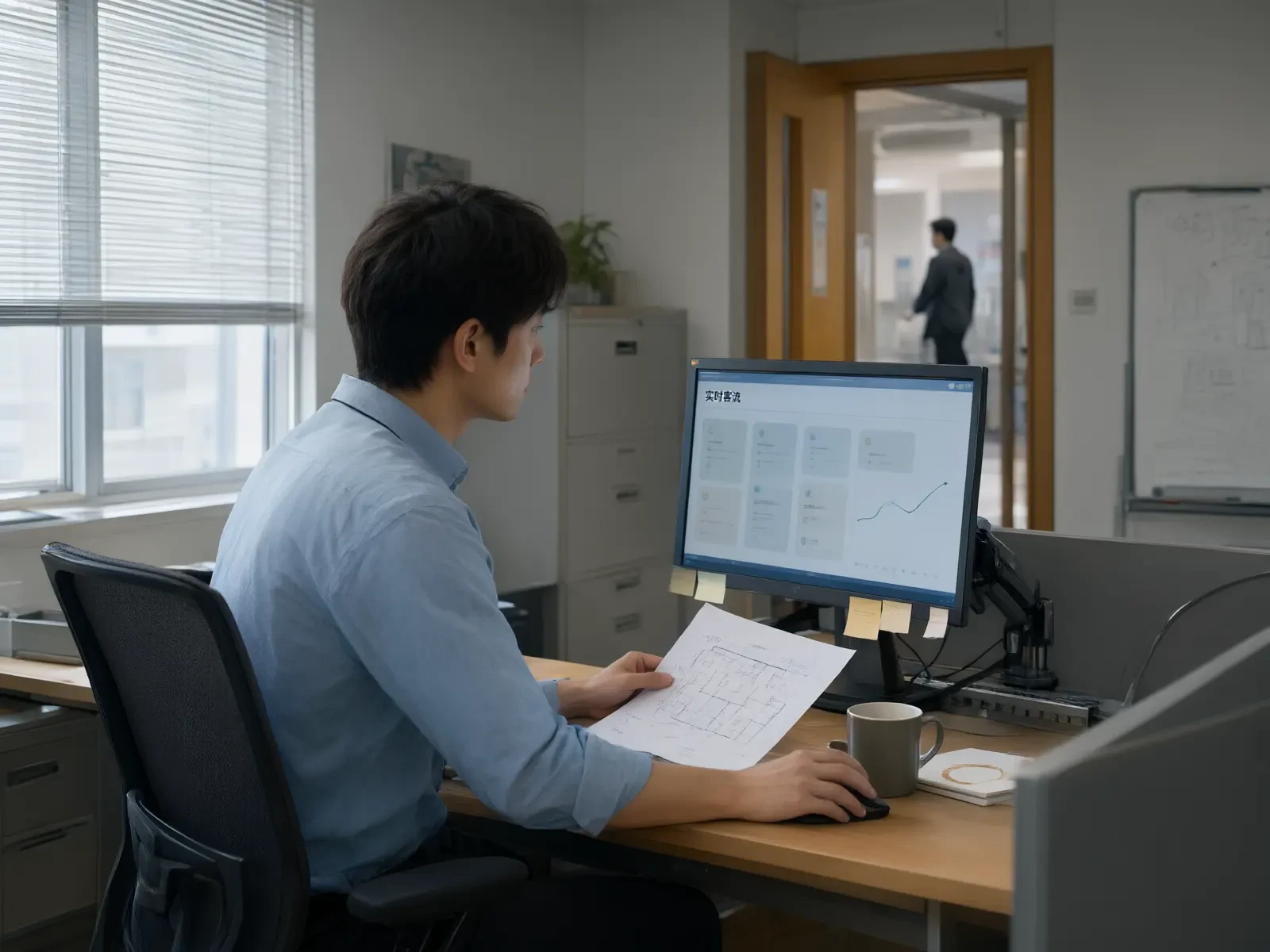
The platform connects directly to device-side data APIs, eliminating the need for additional collection servers within the park. Configuration involves devices exposing HTTP APIs authenticated via API Keys, with all transmissions encrypted over HTTPS. Devices output only count results and anonymized feature vectors; no identifiable facial images are transmitted. The Singapore Science Park case serves as a reference: the park connected multiple brands of existing equipment via HTTP API without hardware replacement, achieving minute-level data collection and second-level dashboard refreshes. Success in such projects depends less on platform feature count and more on accurate device inventories and aligned interface fields. After integration, maintain a parallel run period. Validate morning/evening peak and midday counts against manual on-site tallies to ensure discrepancies fall within acceptable limits before using data for performance evaluation and decision-making. Skipping this step often leads to unresolvable disputes over subsequent reports.
4Step 3: Connect movement data to workstations and energy consumption.
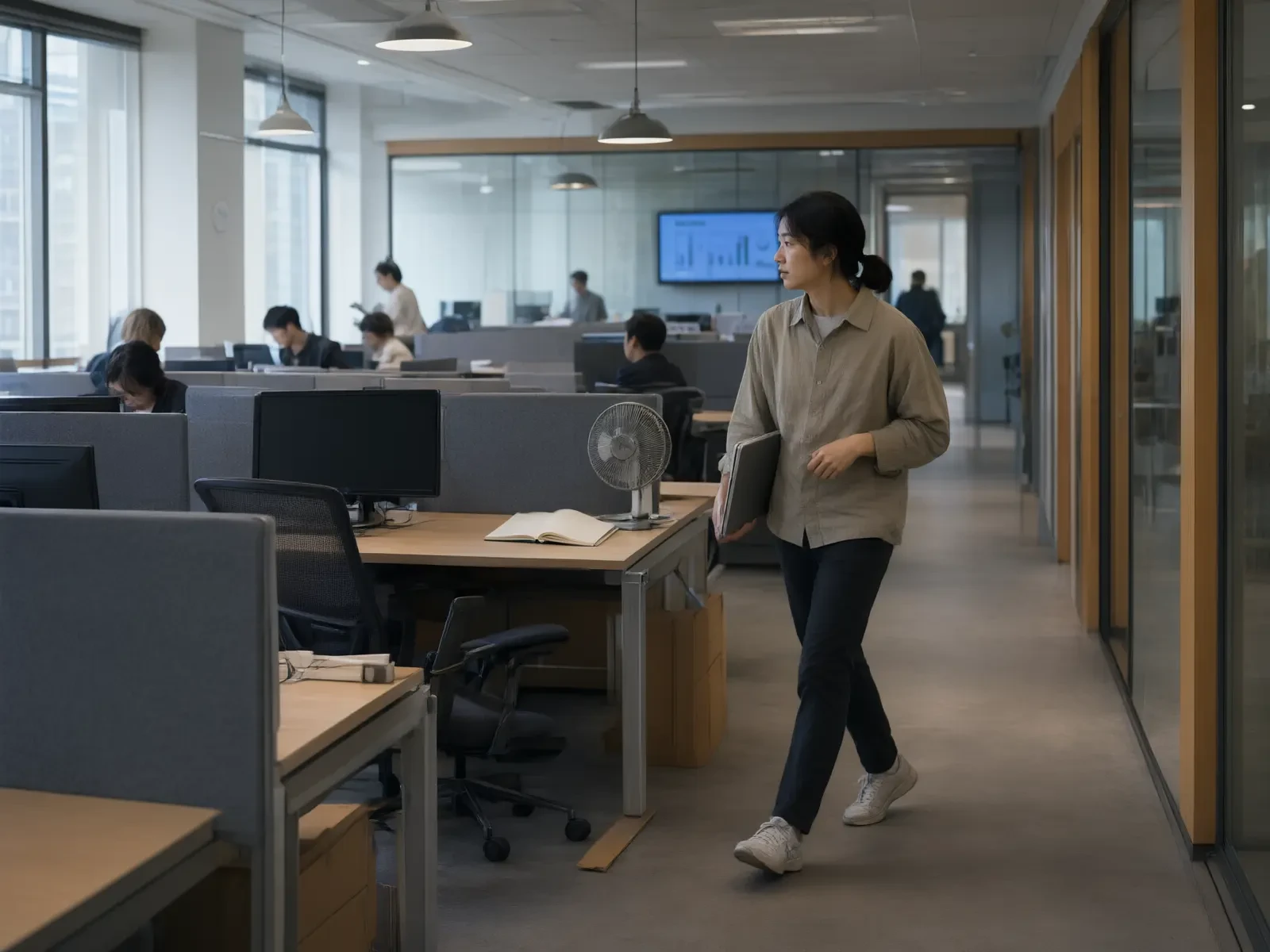
Foot traffic in a campus is typically analyzed across three dimensions: visit density by floor and zone, time-of-day distribution, and cross-building movement patterns. Workspace optimization focuses on aligning area utilization with visitation curves. For example, if one floor sees peak meetings in the morning and full desk occupancy in the afternoon, fixed workspace ratios will result in over-provisioning. Energy management relies on zoned data. By mapping real-time headcount per floor or zone to HVAC, lighting, and fresh air systems, runtime intensity can be reduced during idle periods—delivering more accurate results than uniform settings based on building area. The platform provides zoned headcount data and reports; specific control strategies are determined by the campus team based on existing building equipment, with integration rules confirmed jointly by property management and system integrators. Routine queries can be performed using natural language. Managers can ask questions like "What were this week's peak hours for Building A?" or "Compare foot traffic between Zone X and Zone Y," and the AI generates visual reports without requiring prior report configuration training. When sudden spikes, drops, or device offline events occur, the platform triggers alerts based on predefined rules, ensuring issues are identified immediately rather than waiting for next-day report reviews.
5Deployment Schedule and Compliance Documentation
The project timeline depends primarily on the number of devices to be retrofitted and interface debugging; software integration is typically faster than hardware installation. We recommend a phased rollout by building, completing three steps per batch—device verification, interface joint testing, and data validation—before proceeding to the next. This approach ensures that any issues remain contained within a single batch. Regarding compliance, since the park's foot traffic data involves personal information, the platform processes only count results and anonymized feature vectors, without storing identifiable facial images. Data access is granted based on organizational roles and remains under the client's ownership. The platform has passed security assessments by public security authorities, and the core software holds registered copyright certificates. These documents can be shared with property management and tenant companies prior to deployment.
6Run the full workflow in one building first.
The challenge in monitoring pedestrian flow in office parks lies not in the algorithms, but in inventory management and cross-system collaboration. For parks with existing dedicated devices, we offer a free compatibility check to verify brand, model, and interface connectivity. For parks with significant equipment gaps, budget for additional installations and construction windows must be included in the plan. The platform offers a 14-day free trial without requiring payment details; this duration is sufficient to onboard data from one building and validate reports. We operate on an annual, organization-based SaaS subscription model, allowing chain enterprises to replicate across multiple projects without re-purchasing software licenses. We currently serve over 3000 enterprise clients across 30 cities, providing 7×24 hour technical support. Starting with a single floor or building to validate the data pipeline before expanding to the entire park is the lowest-risk approach for such projects.
Frequently Asked Questions
Not required. Dedicated devices from major brands such as Hikvision, Dahua, Uniview, and Huawei can be directly connected via HTTP API if they support passenger counting and provide an open interface. Standard network cameras lack counting capabilities and are not supported; dedicated devices must be installed at these locations.
Read more
- Park Office Building Solution
- Hardware Compatibility and Device Connectivity
- Multi-device coverage capability
- AI-powered intelligent analysis
- Case: Delivery of the Public Cloud Platform for Passenger Flow at Singapore Science Park
- Traffic Public Cloud Platform HTTP API Integration Guide
- Request Free Trial
Want to generate value from your existing equipment right now?
14-day free trial, no card required.
Continue reading
How to Conduct Road Traffic Surveys: From Manual Counting to AI Video Analysis
Read moreFour key uses of traffic flow data: planning, control, signal timing, and commercial site selection
Read moreHow to manage peak-hour queues in the park cafeteria? A practical guide using traffic data and multi-screen integration.
Read moreUnlock business value from your existing devices.
Fill in your information. A technical consultant will contact you within 1 business days and provide a free device compatibility check.
- 14-day free trial, no credit card required
- Auto-renewal off, 7-day money-back guarantee
- Free Device Compatibility Check