
12 Channels, 30 Minutes: The Response Workflow for a Major Crowd Surge Warning at a 5A Tourist Scenic Area
The value of an alert lies not in the numbers themselves, but in how quickly it moves from trigger to on-site action. This article breaks down the response workflow for 12 channels at a 5A-rated scenic area: unified data standards across channels, pre-holiday forecasting paired with in-holiday alerts, coordinated broadcasting and diversion plans, and threshold updates based on outcomes. Only when all four elements are tightly integrated does an alert translate into effective on-site action.
1Introduction: The challenge isn't the crowd size, but how far in advance you know about it.
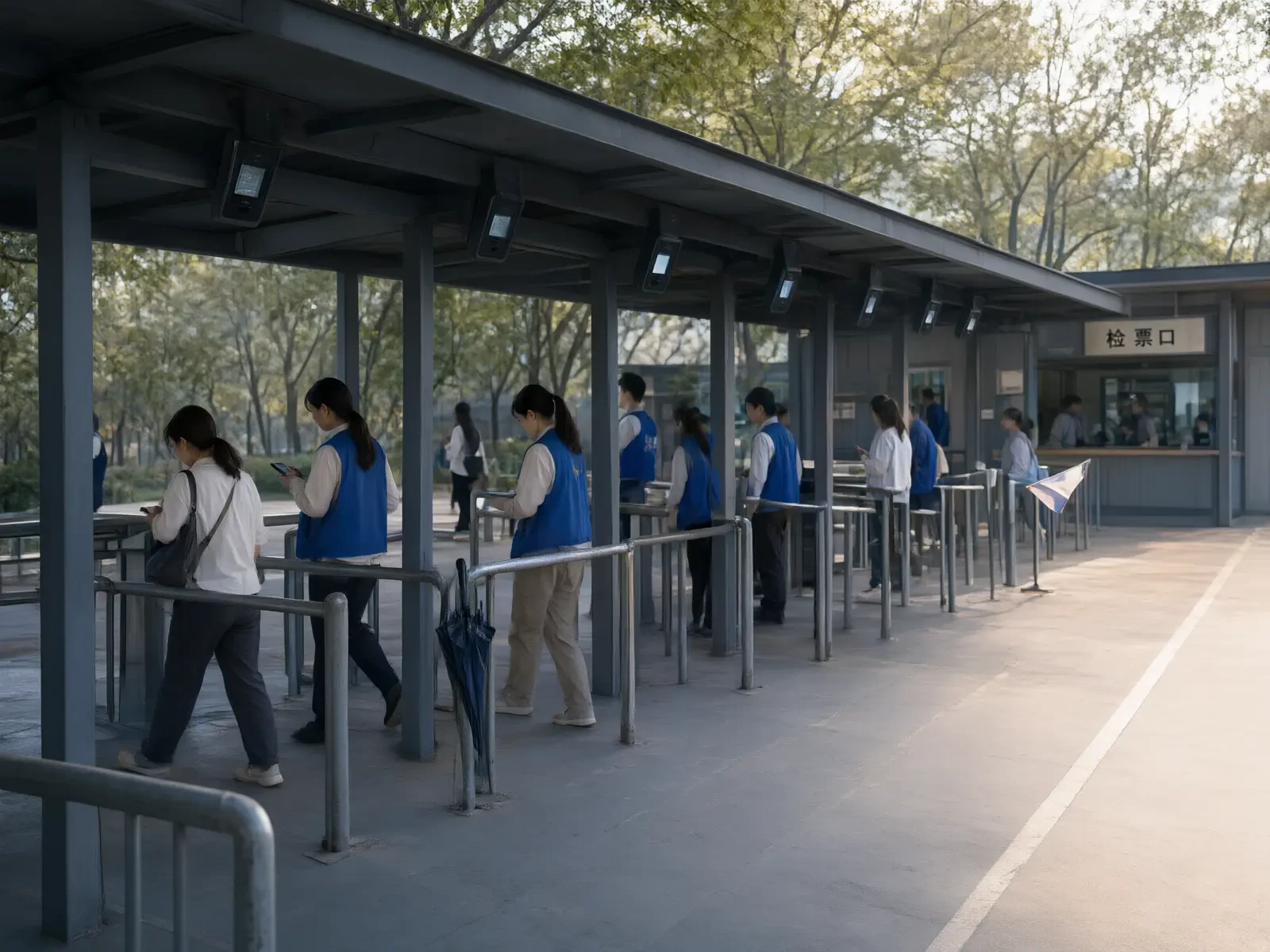
Managing scenic areas during holidays isn't primarily challenged by high visitor volume itself. The real difficulty lies in knowing who detects approaching capacity limits, how early they can do so, and what actions can be taken on-site once the data is known. We served a 5A-rated scenic area that deployed客流 counting devices across 12 entry points, integrated all data into a centralized cloud platform for crowd flow management, and linked this to public address systems and diversion plans. Publicly reported results showed holiday control efficiency improved by 60%, with warning response times advancing by 30 minutes. Breaking down this workflow reveals exactly how raw data transforms into actionable on-site measures.
2Step 1: 12 channels are reporting the same account
A prerequisite for an accurate alert is that all channel data must be standardized. "Channel data" refers to counts from客流 counting devices installed above or beside each entry point, not gate barrier logs. The platform ingests the raw count outputs from these devices. A common scenario in scenic areas is having separate systems for each entrance (e.g., East Gate and West Gate), each maintaining independent statistics. The "current park occupancy" displayed in the duty room is derived by summing values across multiple screens, causing errors to amplify as crowd density increases.
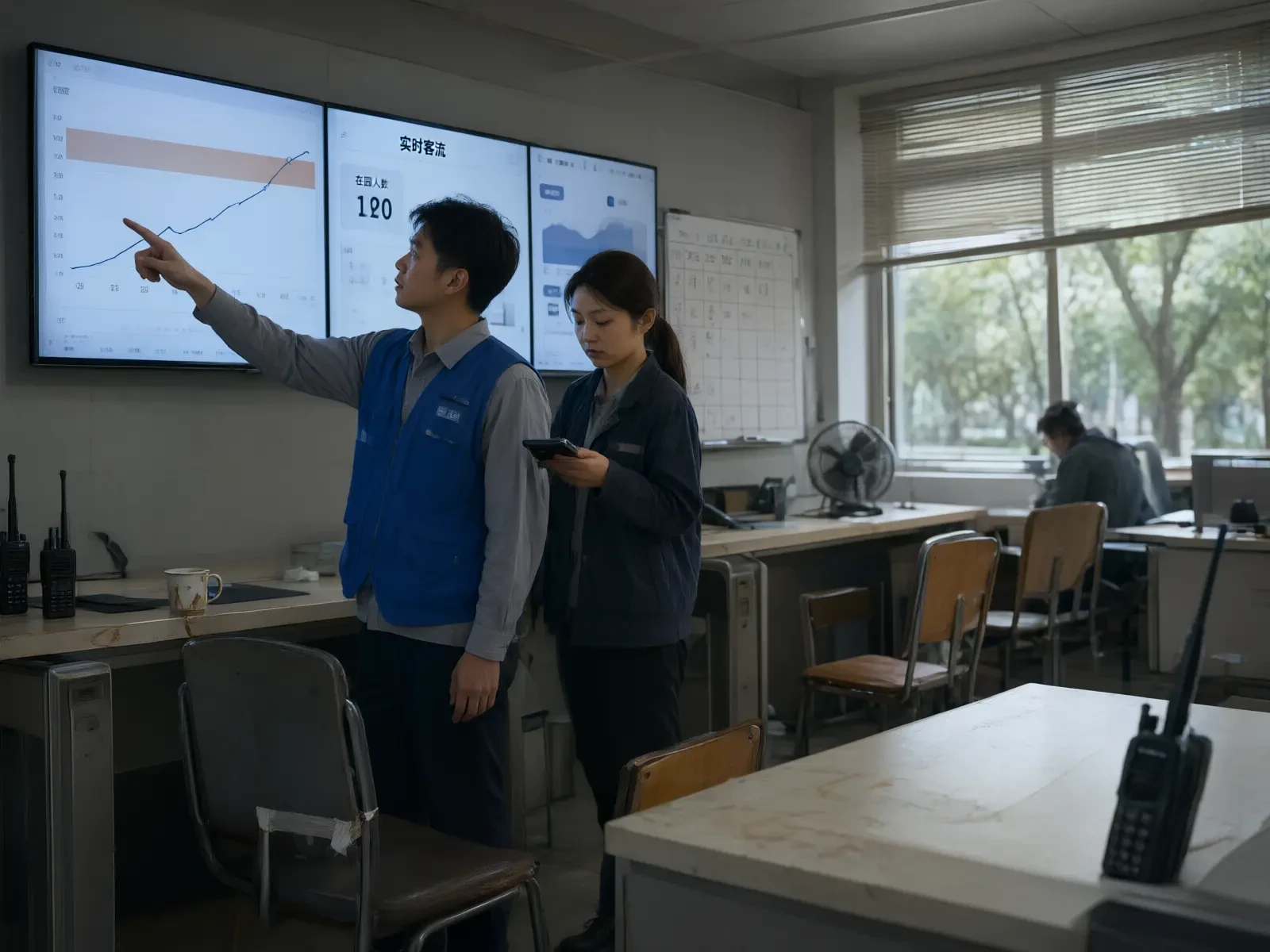
After connecting 12 channel客流 devices to the same platform, entry and exit counts are aggregated by second. Real-time metrics—including current park occupancy, throughput per unit time, and load rate per channel—are updated on a single dashboard. With standardized definitions, "capacity" becomes a measurable metric rather than an estimate based on experience. Without this step, subsequent thresholds and tiering levels would be meaningless.
3Phase 2: Pre-holiday forecasting and in-holiday alerts are two separate tasks.
These two concepts are often confused. Pre-event forecasting addresses resource preparation: using historical data from the same period to identify peak days and time slots, then allocating staff and determining how many backup channels to activate. In-event alerting handles response: triggering notifications immediately once conditions are met, without relying on human judgment speed.
The platform supports multi-level threshold configuration per channel. Thresholds can be defined as absolute visitor counts or as a percentage of capacity. Triggers include not only rising visitor numbers, but also when the throughput in a single channel exceeds its design limit within a given time frame, or when a channel's count drops sharply—indicating potential device malfunction or blockage that requires immediate on-site intervention.
Alerts are pushed to duty staff's app and web dashboard by severity level, including the trigger channel, current value, and recommended actions. Confirmation is required upon receipt, which records a timestamp. This audit trail is more reliable than verbal reports during post-holiday reviews.
4Third: Broadcasting is the execution engine, not background noise.
Many scenic spots still rely on generic announcements like "Please stay safe and visit in an orderly manner" because they lack real-time data integration, limiting broadcasts to scheduled or looping messages.
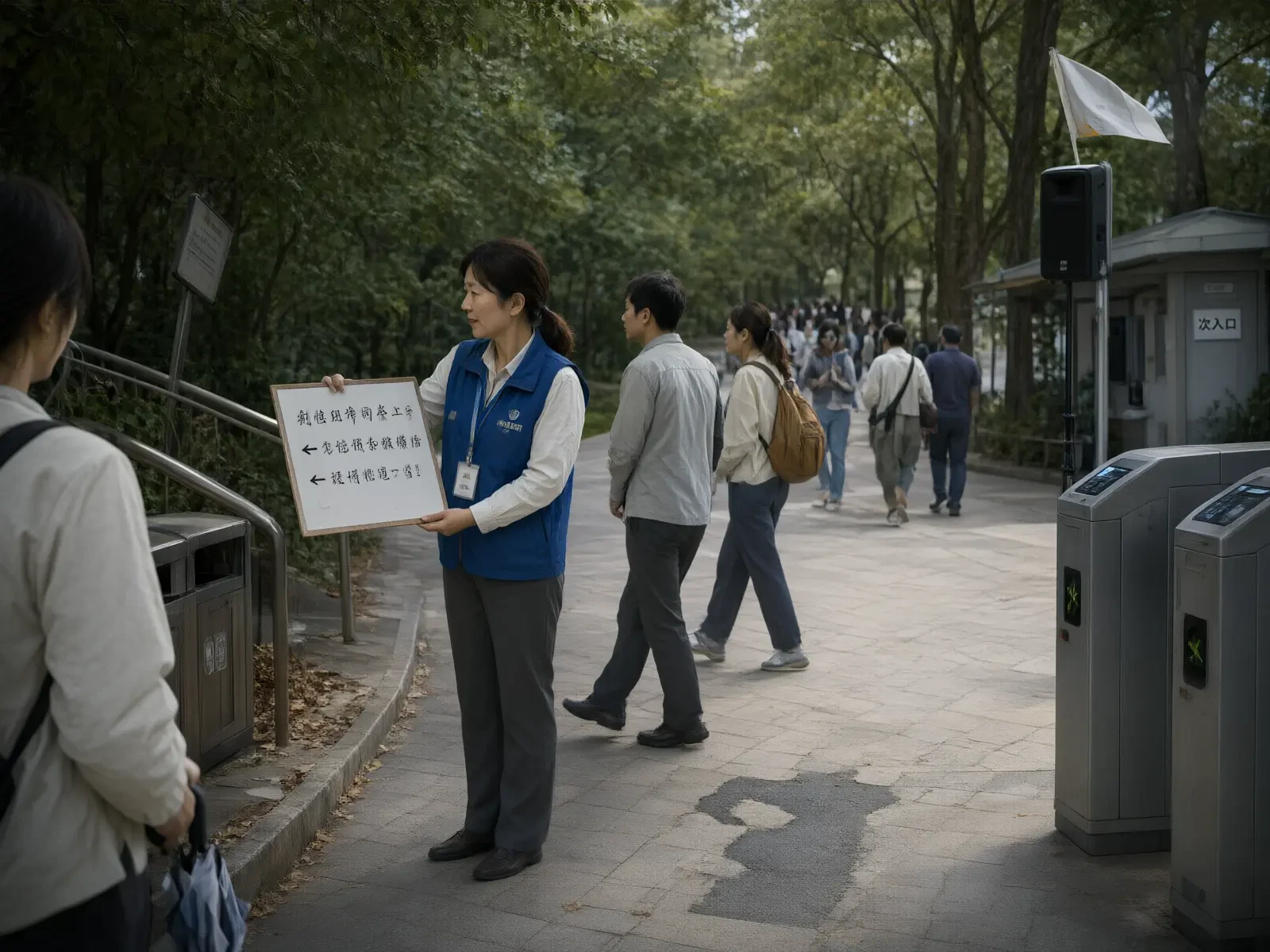
In this workflow, the broadcast is linked to zones and channels. When a zone exceeds its capacity limit, audio is played through that zone's column speakers. The announcement content is pre-defined in a plan; operators confirm and trigger it via the app, eliminating the need for on-site drafting. Simultaneously, corresponding actions are executed on the channel side: activating backup channels, redirecting entry traffic to secondary entrances or less-crowded attractions, and deploying additional guides at key nodes.

530 Minutes Before: What to Do on Site After the Alert
This is the value of a 30-minute advance warning. 30 minutes are enough to open access routes, position staff, broadcast two or three full announcements, and allow some visitors already en route to change direction. If warnings are issued only at the moment of overcrowding, the only option left on-site is reactive crowd control.
To determine if a crowd flow system is sufficient, focus on one metric: the number of phone calls required from alert issuance to the first on-site action. Fewer steps mean the plan is closer to being actionable.
6Step 4: Update the plan with the outcome.
The incident resolution was concluded before the full workflow completed. Key metrics for post-holiday review include peak occurrence times, trigger timestamps for each alert level, broadcast counts, and the decline curve of visitor numbers in the park following分流 actions. This data reveals which thresholds were set too early or too late, and which zone broadcasts failed to achieve expected crowd movement.
These results are written back to threshold configurations and contingency plans, updating the pre-holiday forecasting baseline for the next year. After a few holiday cycles, the accuracy of the contingency plan no longer relies on the memory of a few veteran employees.
7Conclusion: From humans watching screens to systems monitoring data
The core shift in this disposal workflow is moving from "humans watching screens" to "systems monitoring data, humans making decisions." 12 channels ensure full visibility, multi-level thresholds guarantee accurate alerts, broadcast and playbook linkage ensure actions are effective once triggered, and review-based feedback ensures improved accuracy for future incidents. With all four stages connected, the alert becomes more than just a notification.
Frequently Asked Questions
Count data from客流 counting devices installed above or on the side of the aisle. The platform reads the counts via HTTP API, without using gate switches for recording or processing video frames for secondary recognition. A free compatibility test is available before integration based on specific device models. Standard network cameras are not supported.
Read more
- Scenic Park Solutions
- Scenic Area Capacity Warning: Insights on Holiday Control from the 12 Entrance Case of a 5A Attraction
- How to manage scenic spot crowd warnings: Three layers of defense for capacity management
- Hardware Compatibility and Device Connectivity
- Which protocol is used for cross-brand access of traffic equipment? Unified HTTP API integration.
- Traffic and Vehicle Flow Project Case Library
- Request Free Trial
Want to generate value from your existing equipment right now?
14-day free trial, no card required.
Continue reading
How to Conduct Road Traffic Surveys: From Manual Counting to AI Video Analysis
Read moreFour key uses of traffic flow data: planning, control, signal timing, and commercial site selection
Read moreHow to manage peak-hour queues in the park cafeteria? A practical guide using traffic data and multi-screen integration.
Read moreUnlock business value from your existing devices.
Fill in your information. A technical consultant will contact you within 1 business days and provide a free device compatibility check.
- 14-day free trial, no credit card required
- Auto-renewal off, 7-day money-back guarantee
- Free Device Compatibility Check